No Products in the Cart



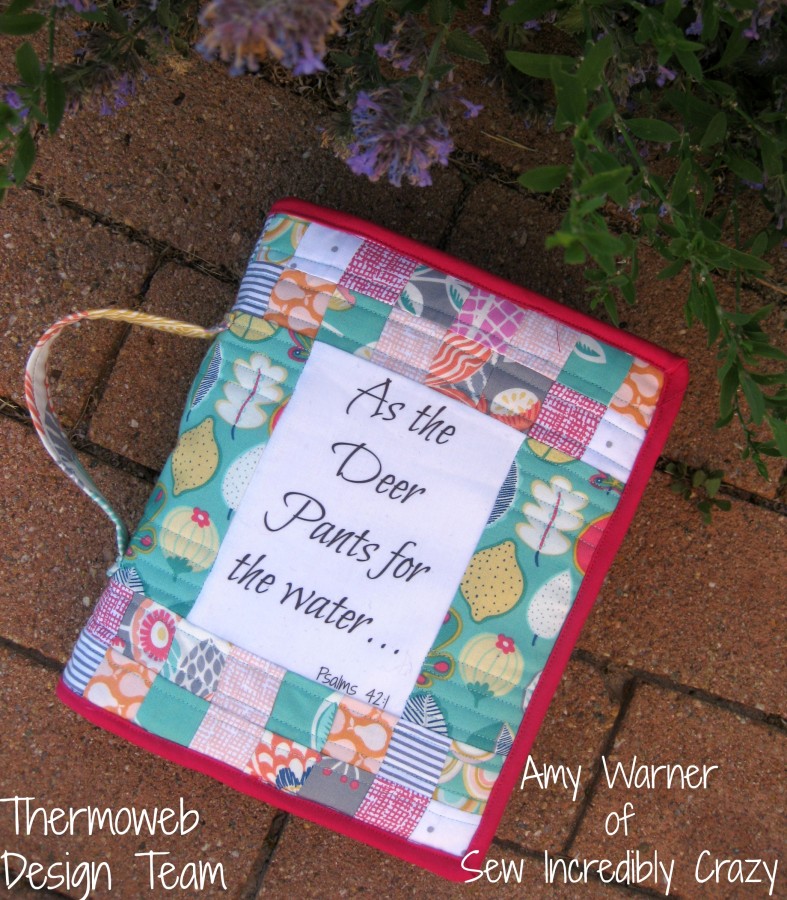
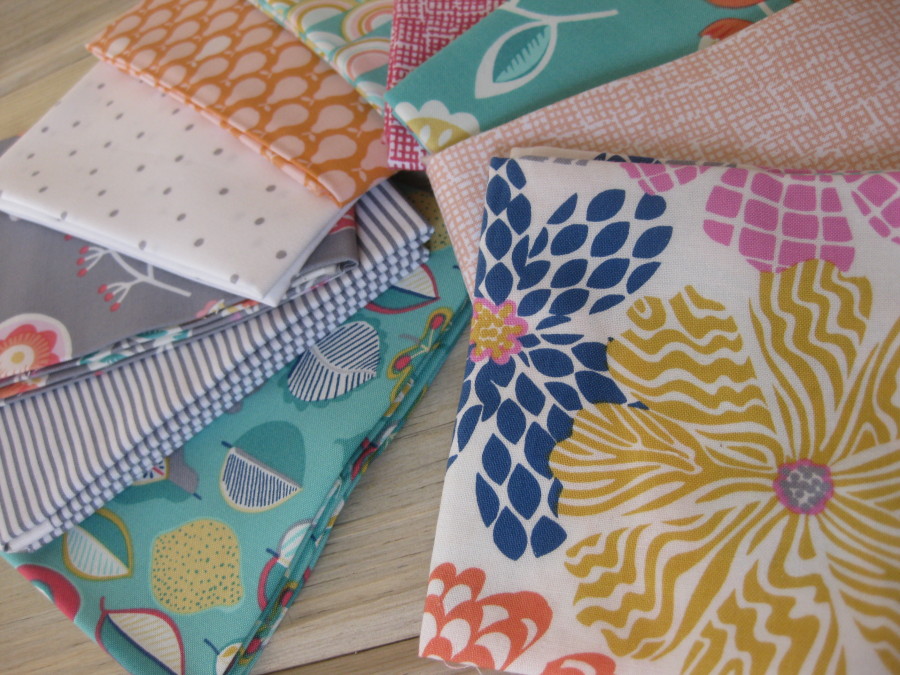
There is nothing like playing with a beautiful bunch of fabrics like these from Dear Stella and personalizing a gift for a family member or friend.
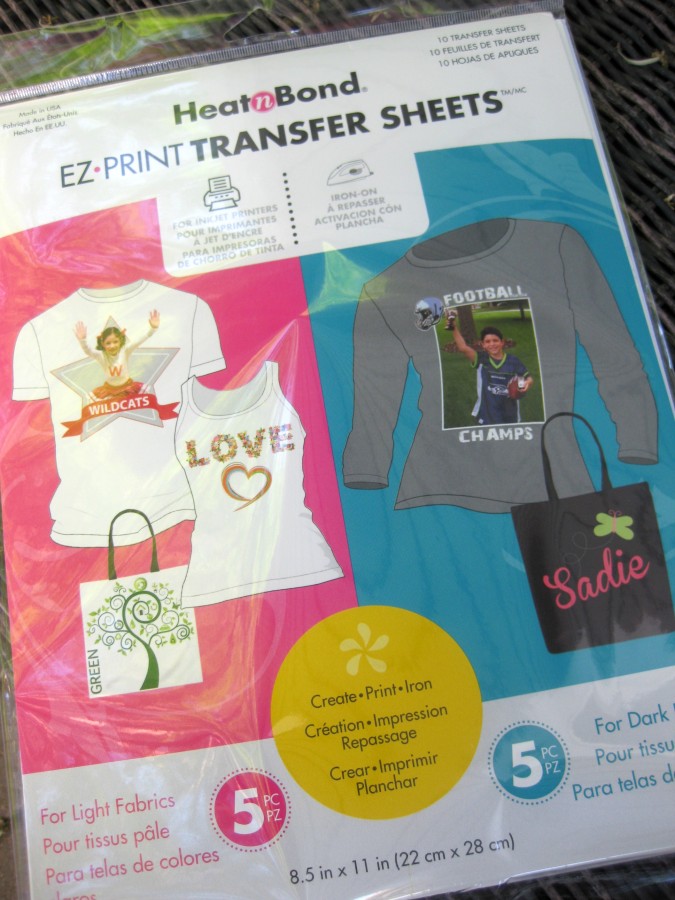
Thermoweb has made it very easy to add a quote, monogram, or name to any of your projects, using their HeatnBond® EZ Print Transfer Sheets. You can get them in a package that you are either able to print an image or saying on light or dark fabrics.
In order to transfer the design correctly, you need to first reverse it.
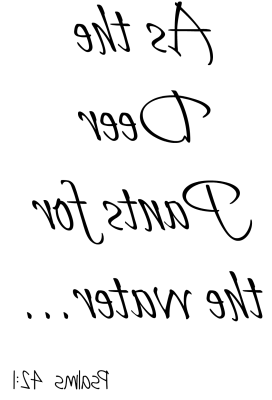
You can do this by adding it to paint and then choose to flip the words. You can then add the image to a Word Document. To use the remainder of the sheet, you can add other images or quotes to get the full use of the transfer page.
After printing, you can trim the transfer paper if desired.
Press the transfer paper onto the right side of your fabric, ink side down.
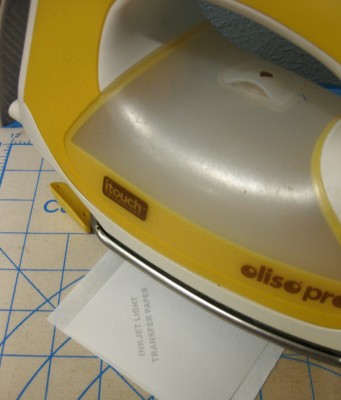
Giving you a perfect piece to add to any project.
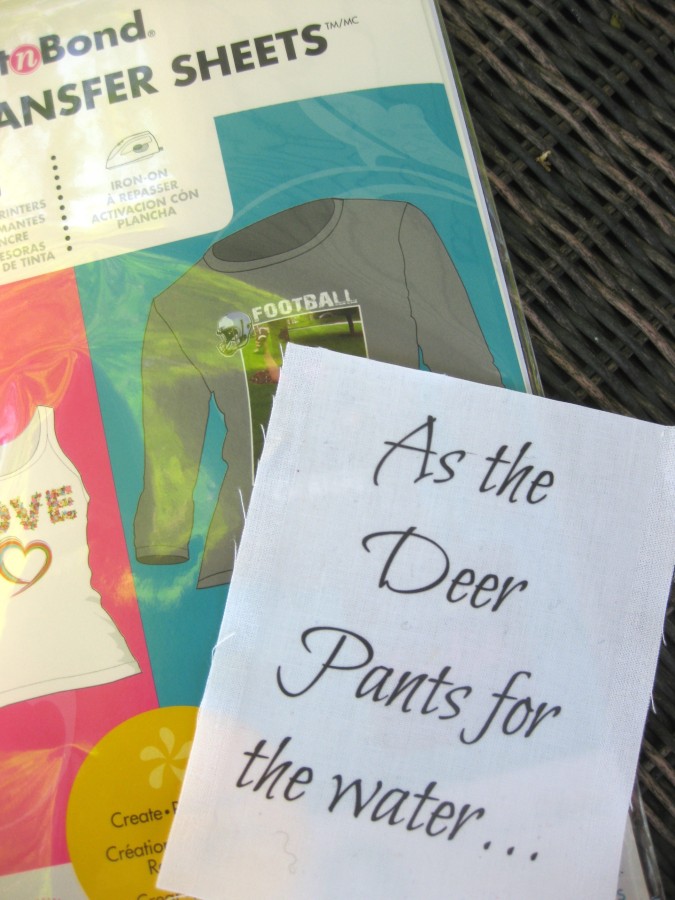
You can add this to quilts, quilt labels, t-shirts, book covers, ....... The possibilities are quite endless. I can see several more projects in my future using the EZ Print Transfer Sheets. If you would like to see more photos of the finished project, please stop in at my blog: Sew Incredibly Crazy.
