No Products in the Cart



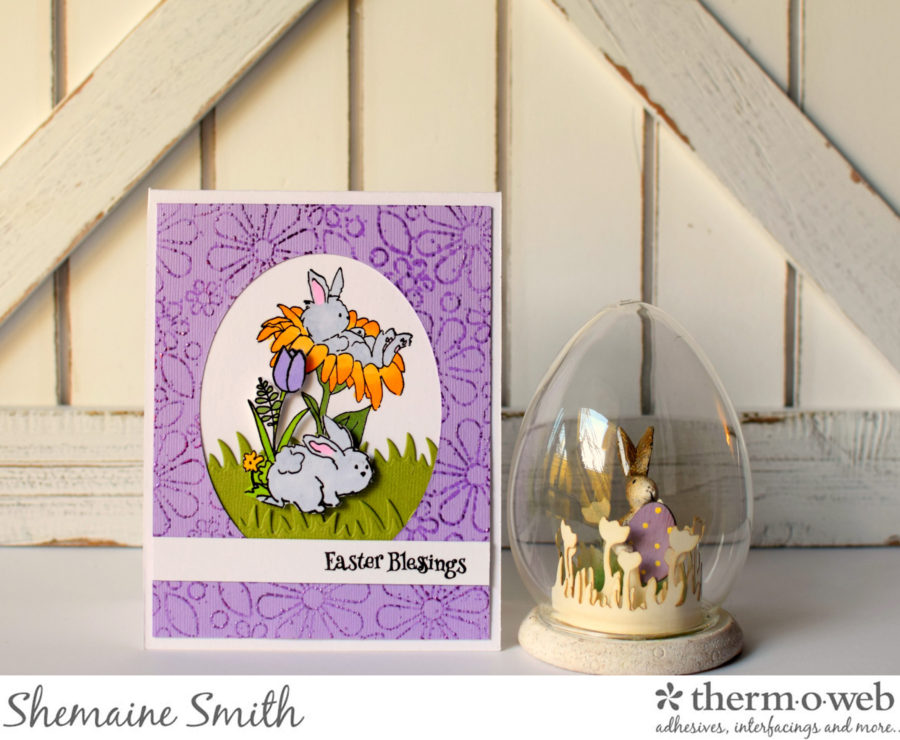
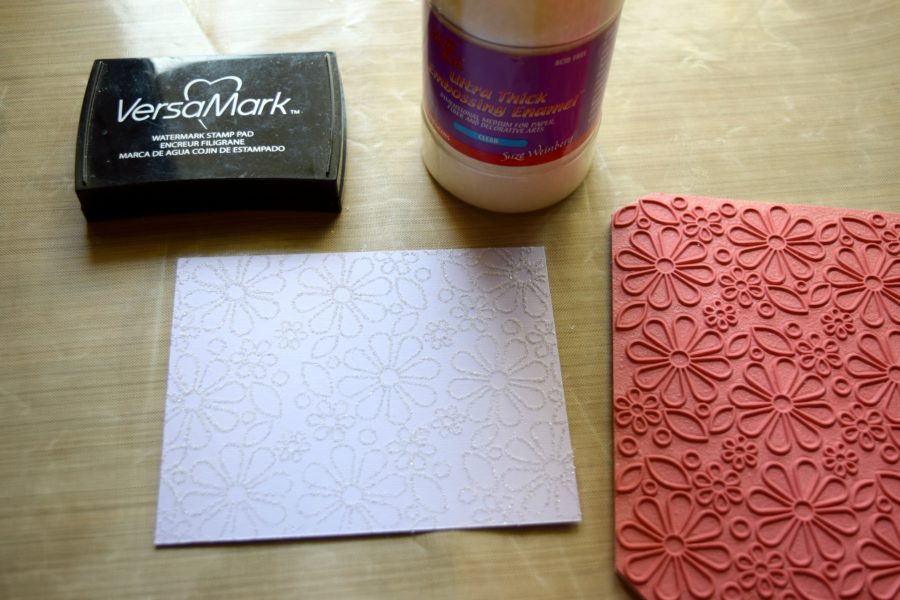 Next cut a sheet of the Therm O Web iCraft® DecoFoil™ Transfer Sheets Amethyst, place over the stamped image and use the heat tool to heat up the embossed image again. Gently burnish the foil onto the image.
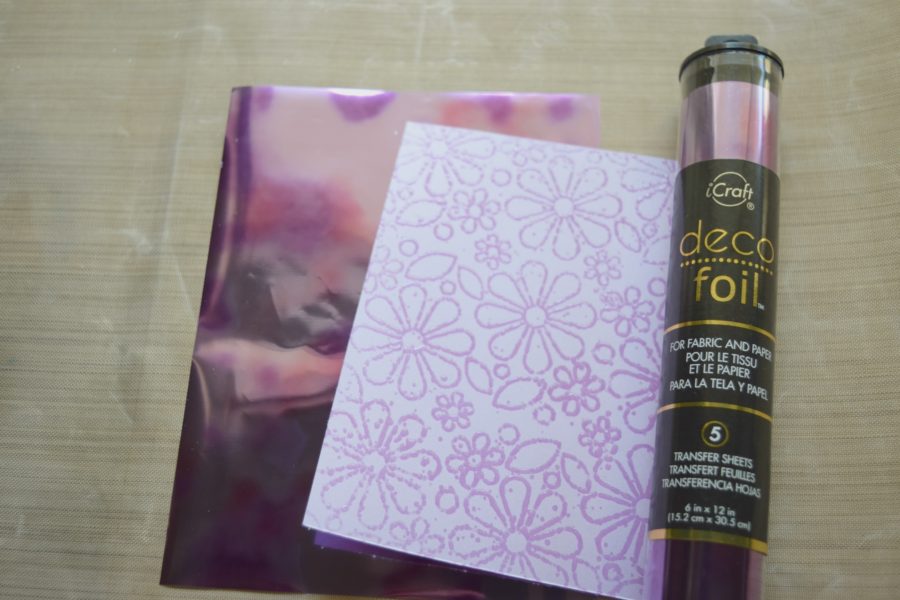 Here's a closer look at the finished image. You can see the Therm O Web iCraft® DecoFoil™ Transfer Sheets Amethyst shimmer on the flowers. The result is very pretty.
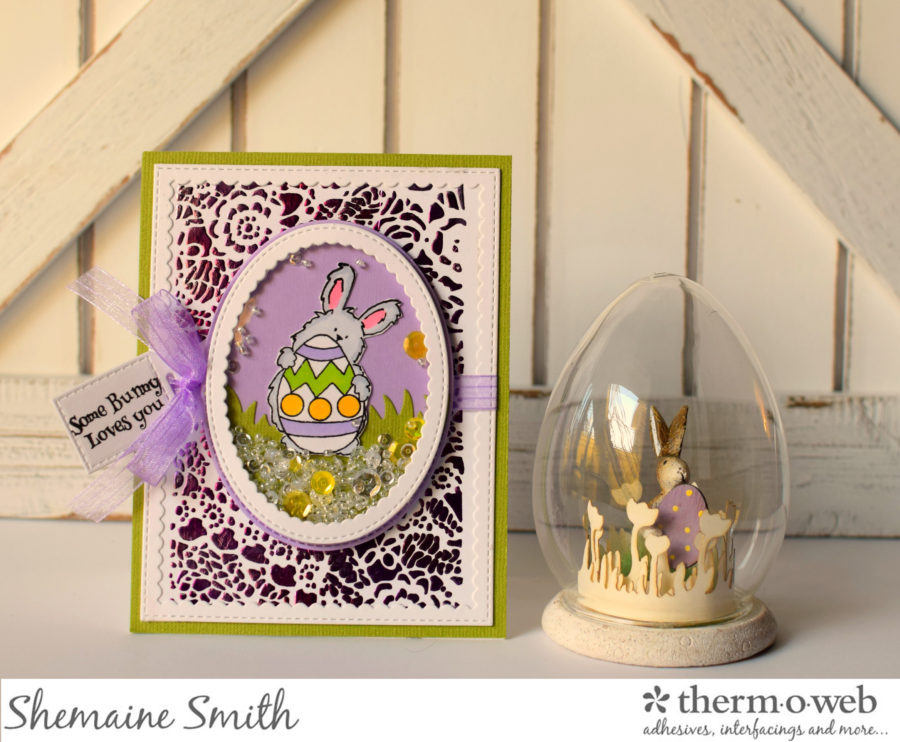
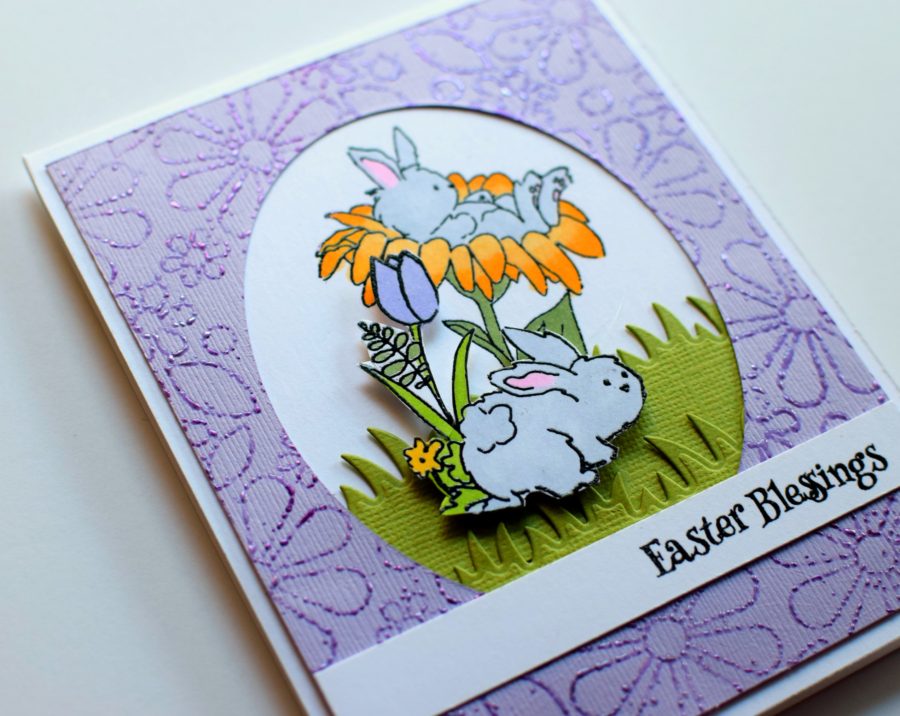 For the next card, I created a fun shaker card. I used DECO FOIL™ TRANSFER GEL and a stencil to create the background.
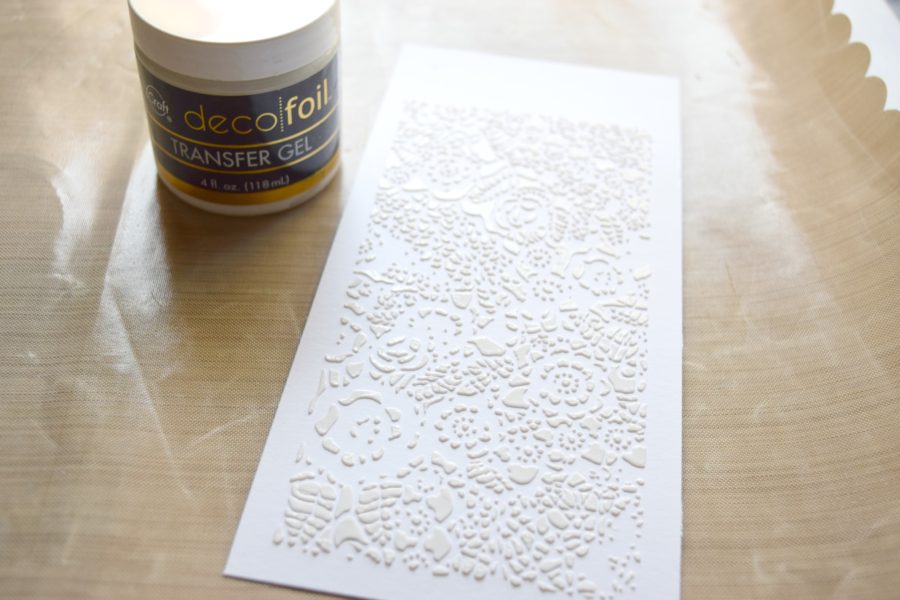 For this background, lay the stencil over the paper and apply the DECO FOIL™ TRANSFER GEL. Then wipe away the excess and lift the stencil to reveal the design. Let dry for approx 30-40 mins. Next cut a piece of the foil and place it over the design, then run thru the laminator to create the background design. Adhere to the card base.
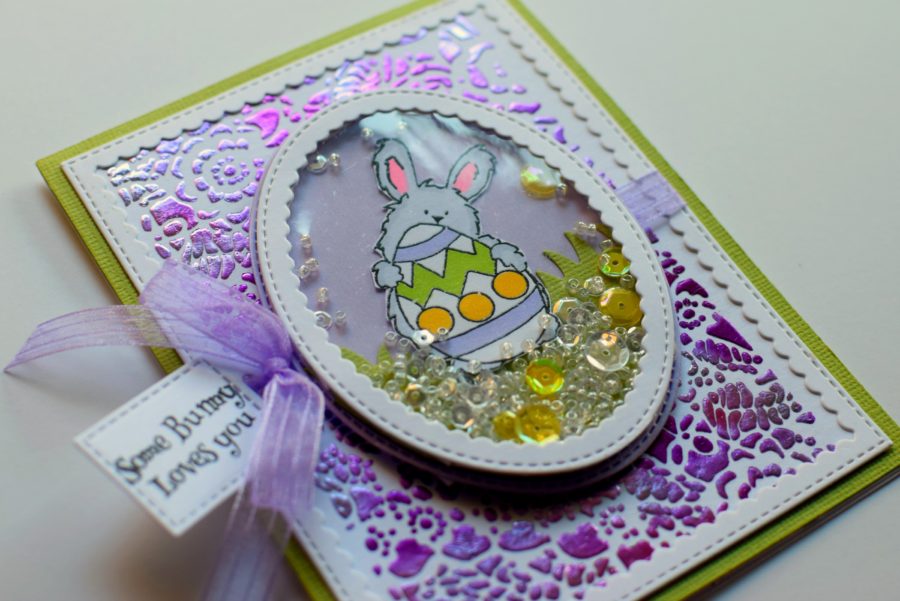 I used some die cuts and 3D WHITE FOAM SQUARE • 1/4 IN from the combo pack to create my shaker and filled it with misc. findings. Then attached it to the front of the card with the 1/2 inch foam squares and finished it off with ribbon and a sentiment.
Thank you to Art Impressions for letting me create with such a cute stamp set!
Have a great day.-
[line]Our sweet friends at Art Impressions have offered us these new stamps with a $50 value for you to win! And we'll include some goodies as well such as our Deco Foil Adhesive Pen, 2 colors of your choice of our Deco Foil Transfer Sheets, some SuperTape and yes..our must have 3D Foam Squares too! Just follow the Rafflecopter to enter to win!
I used some die cuts and 3D WHITE FOAM SQUARE • 1/4 IN from the combo pack to create my shaker and filled it with misc. findings. Then attached it to the front of the card with the 1/2 inch foam squares and finished it off with ribbon and a sentiment.
Thank you to Art Impressions for letting me create with such a cute stamp set!
Have a great day.-
[line]Our sweet friends at Art Impressions have offered us these new stamps with a $50 value for you to win! And we'll include some goodies as well such as our Deco Foil Adhesive Pen, 2 colors of your choice of our Deco Foil Transfer Sheets, some SuperTape and yes..our must have 3D Foam Squares too! Just follow the Rafflecopter to enter to win!
 a Rafflecopter giveaway
Written by Shemaine Smith
