No Products in the Cart



 Supplies:
Laser Printer
Deco Foil™ Transfer Sheets in Gold and Black
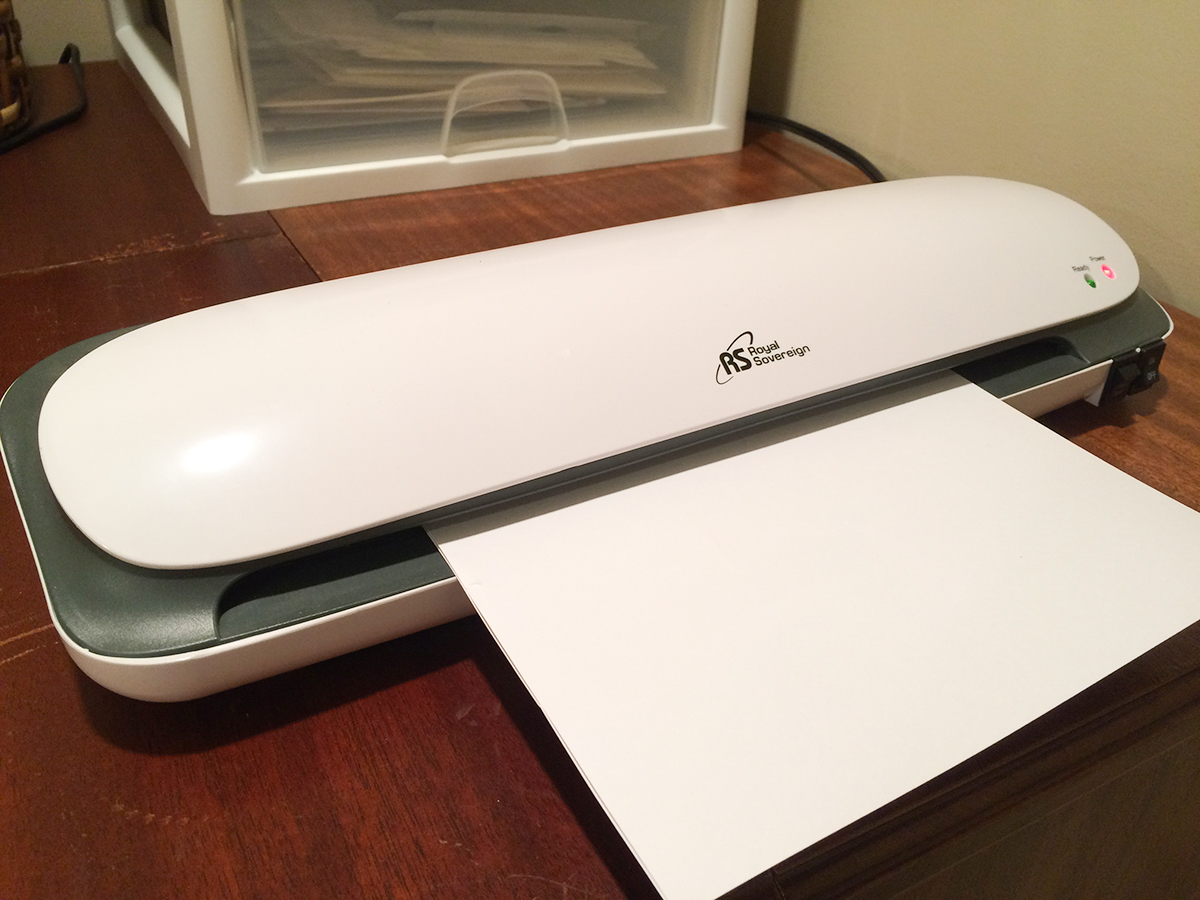
12” Laminator
Parchment Paper – comes with the Deco Foil™
Supplies:
Laser Printer
Deco Foil™ Transfer Sheets in Gold and Black
12” Laminator
Parchment Paper – comes with the Deco Foil™
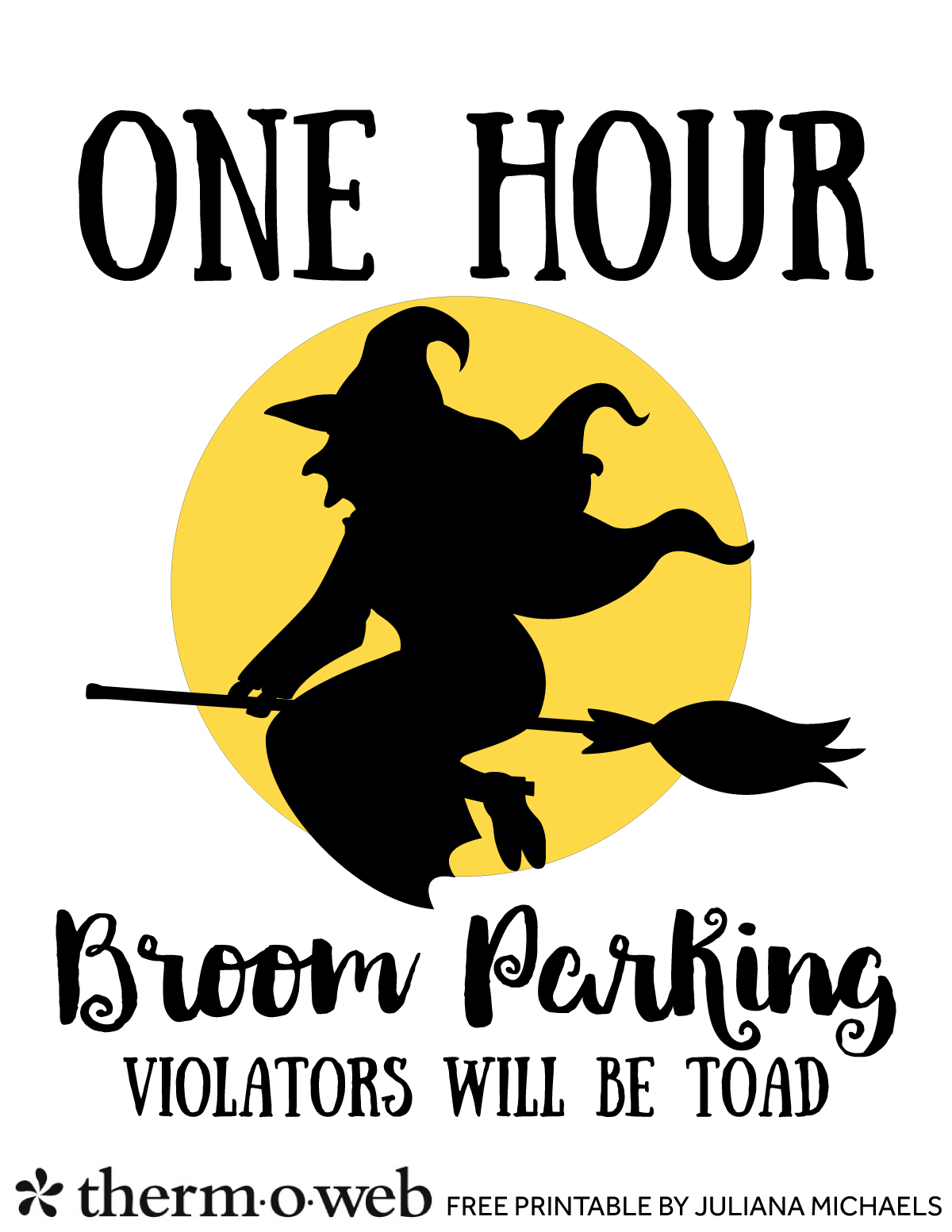 Begin by printing the moon image from the printable using a laser printer. Mark the top edge of the paper with a pencil to help you remember which way to feed the paper into your printer for the next printing step.
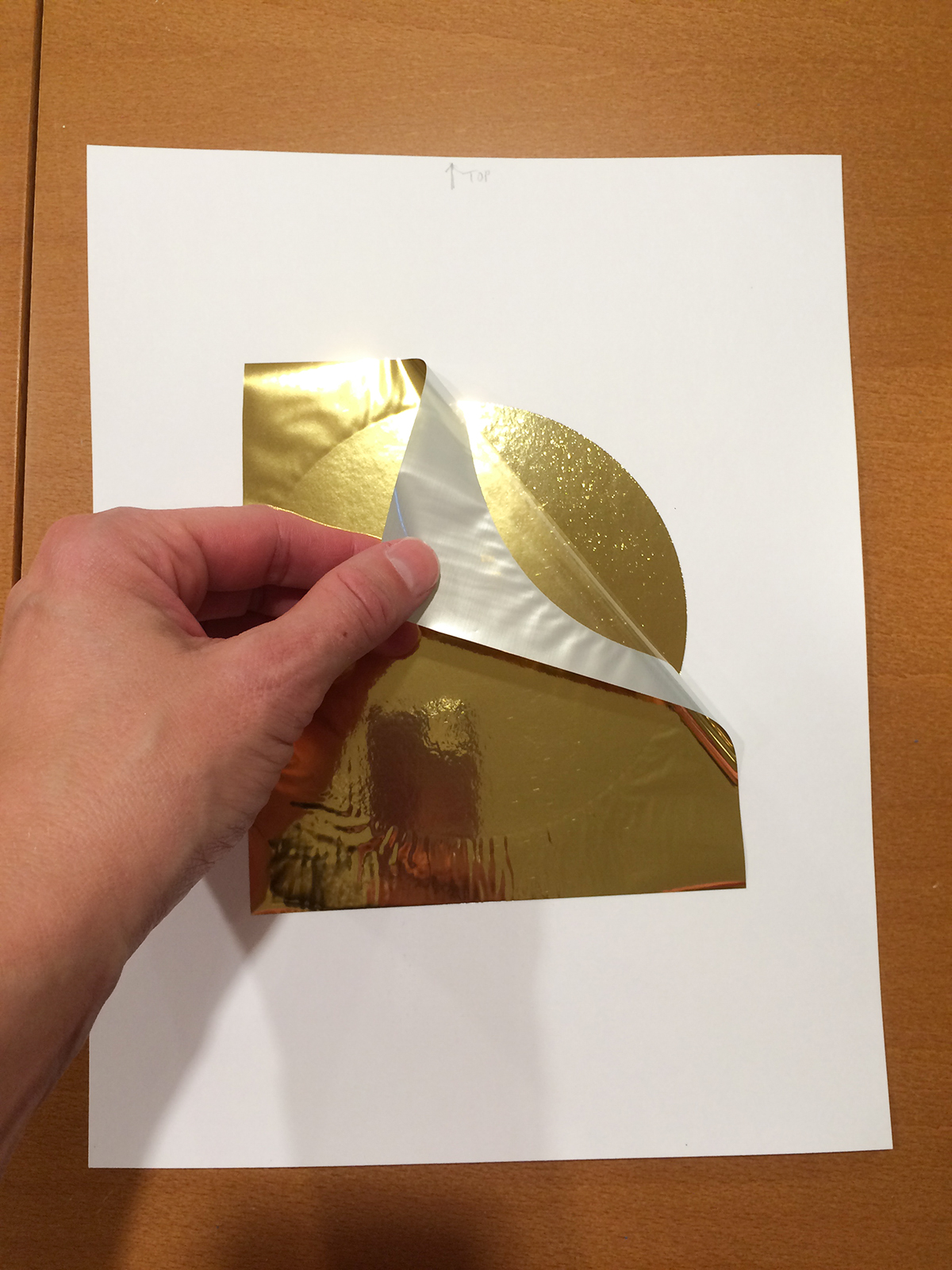
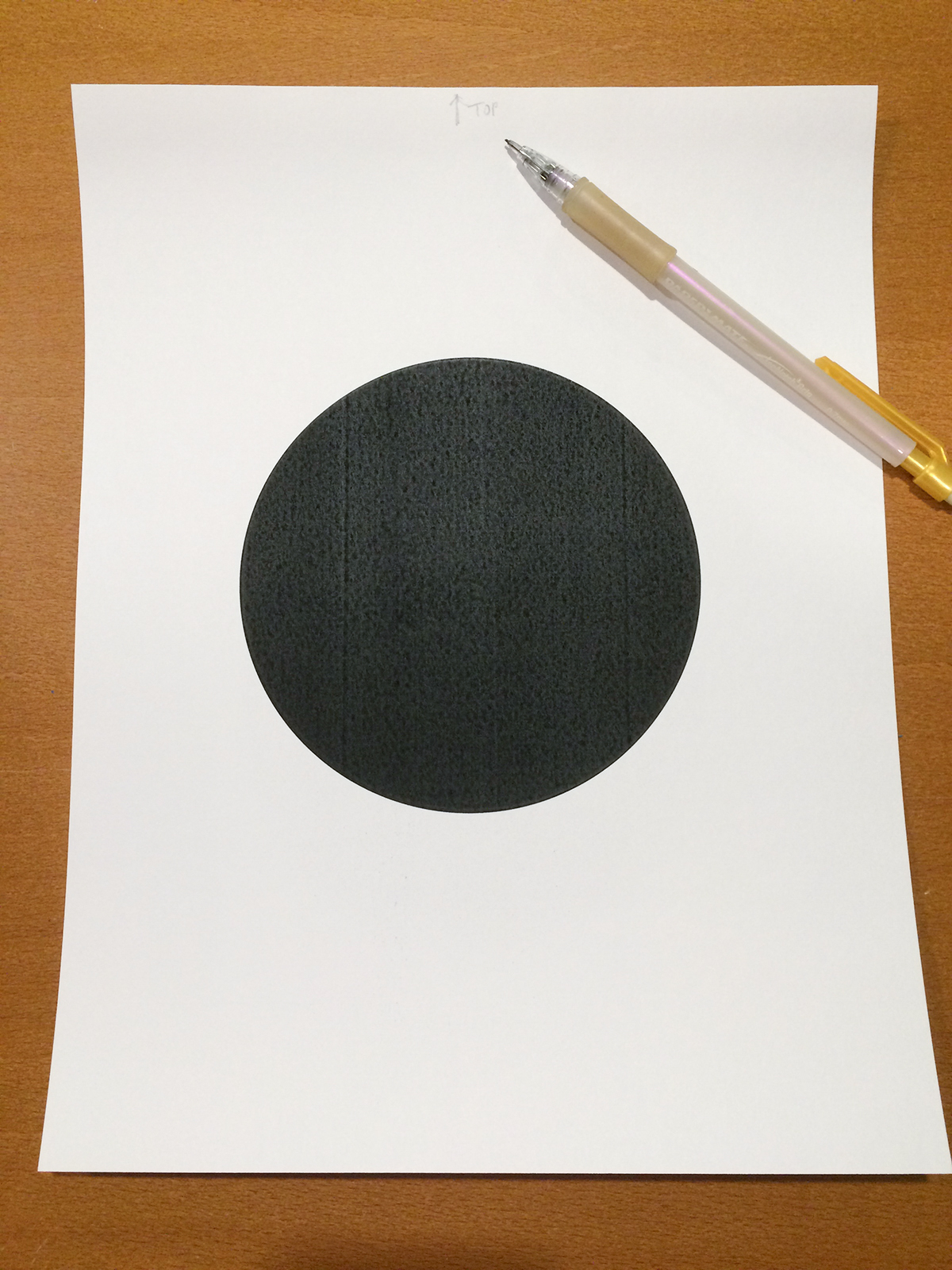 Cover the image with a piece of Gold Deco Foil™ Transfer Sheet.
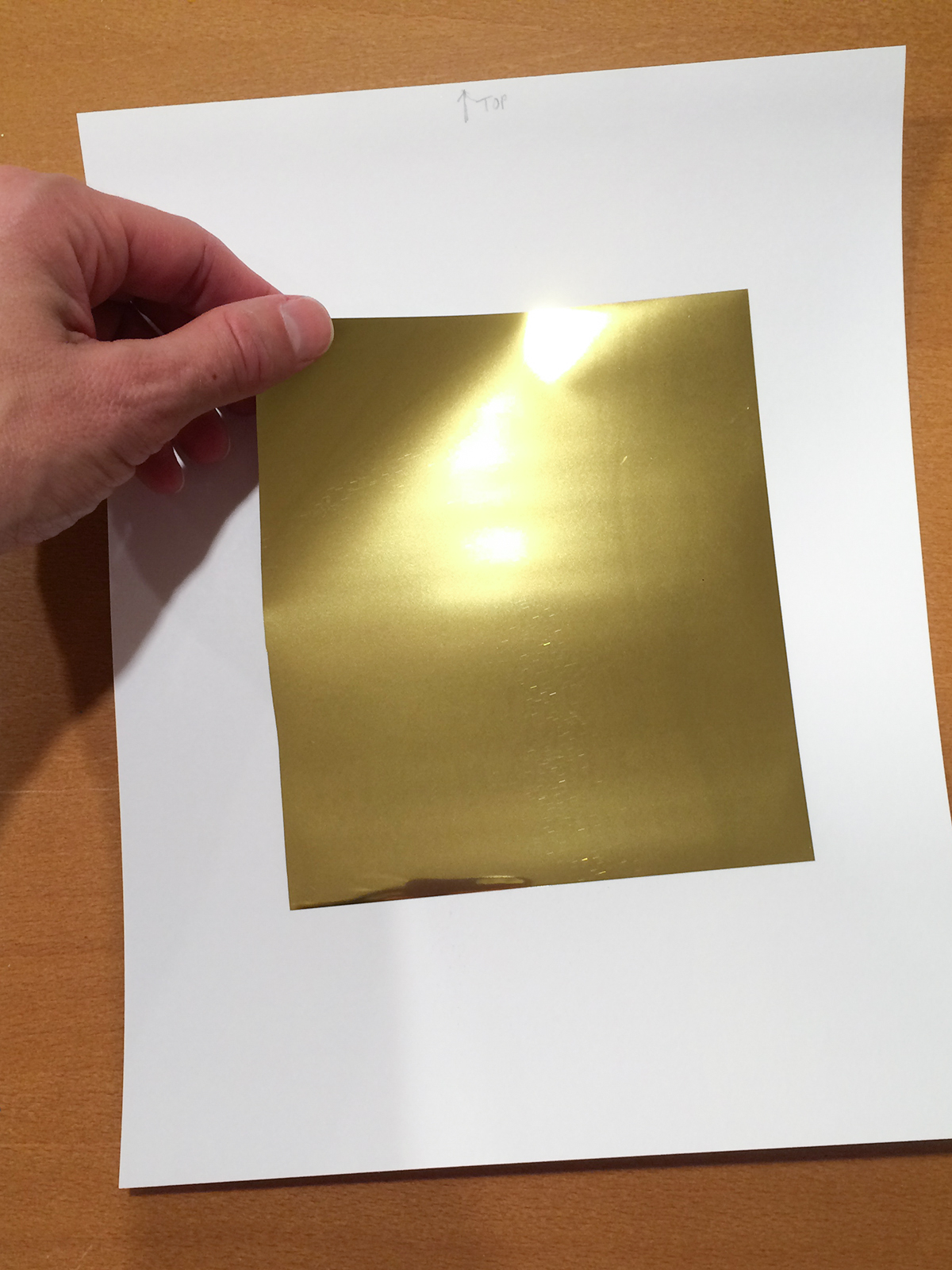 Place this into a piece of folded parchment paper and feed it into your already preheated laminator.
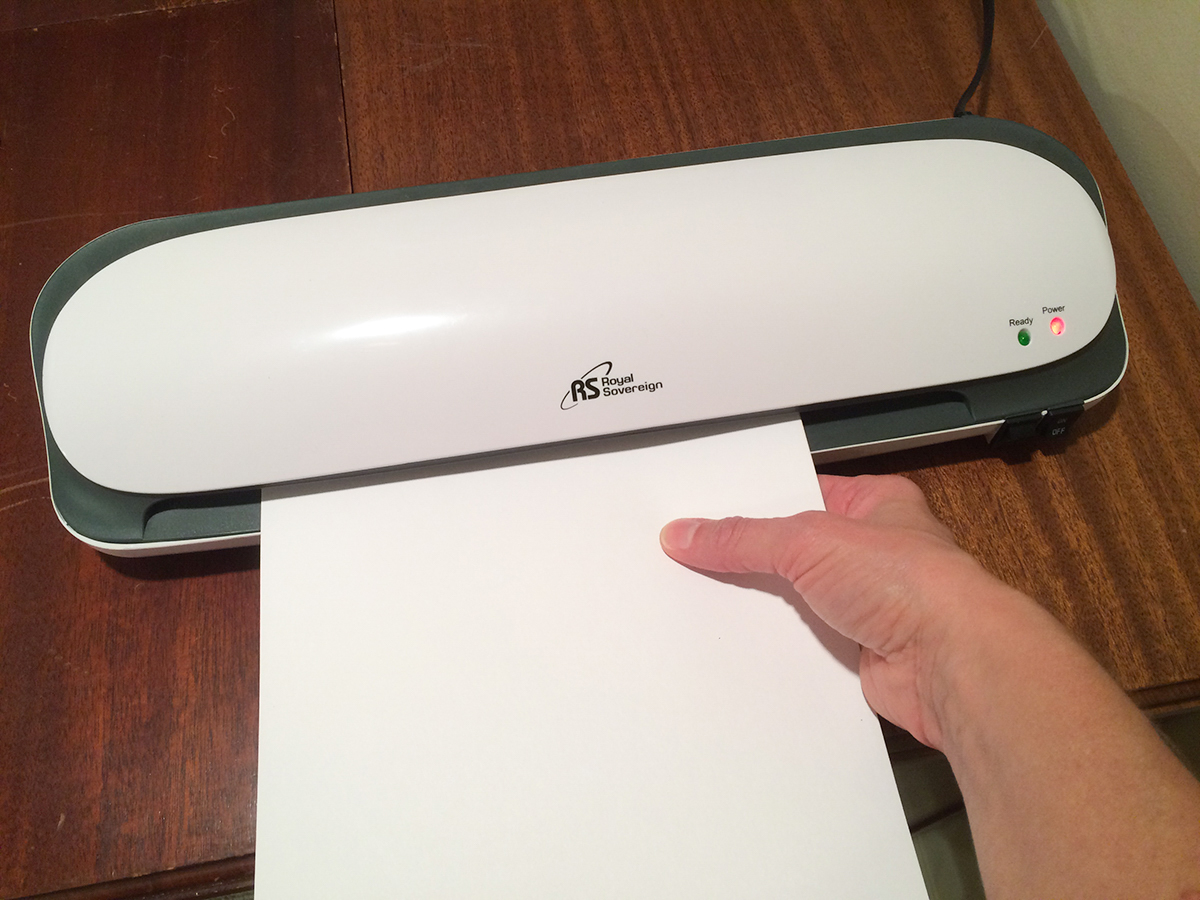 Peel off the transfer sheet to reveal your gold foiled moon.
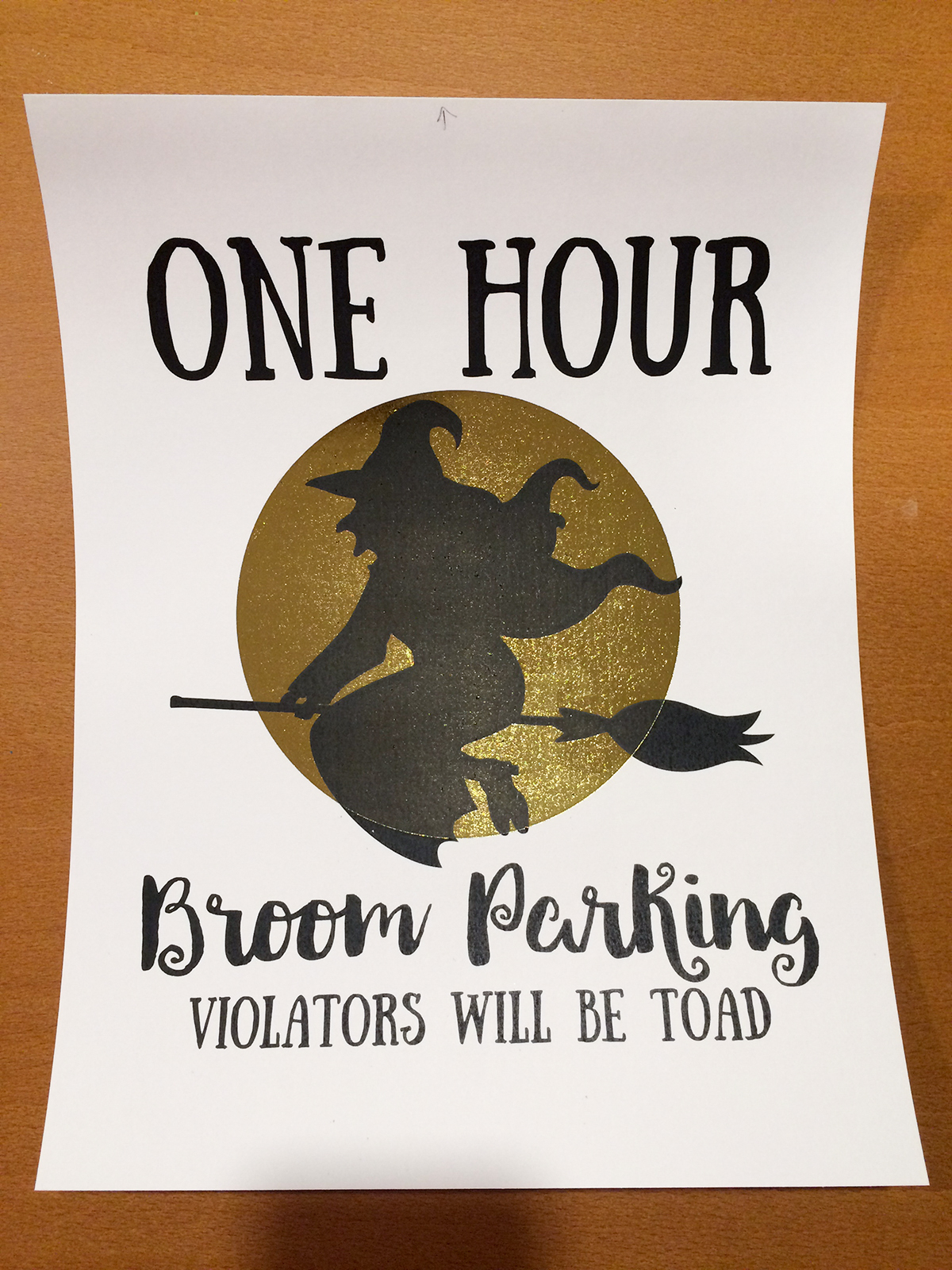
 Take this same paper and print the witch and phrase image using a laser printer. Remember to position the paper correctly into the printer. You will be printing over the top of the previously printed and foiled moon.
 Cover the images with Black Deco Foil™ Transfer Sheet.
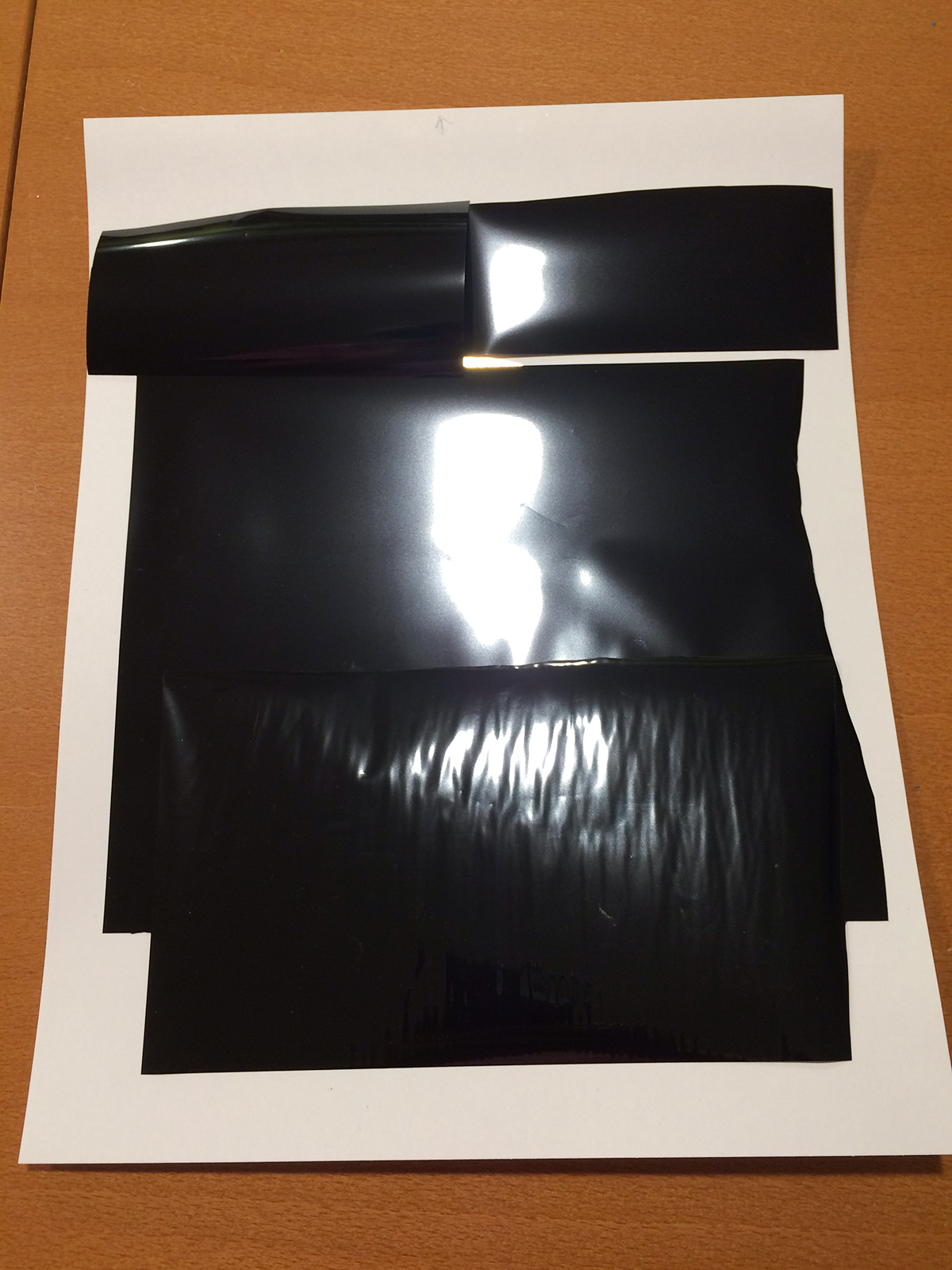 Place this into a piece of folded parchment paper and feed it into your already preheated laminator.
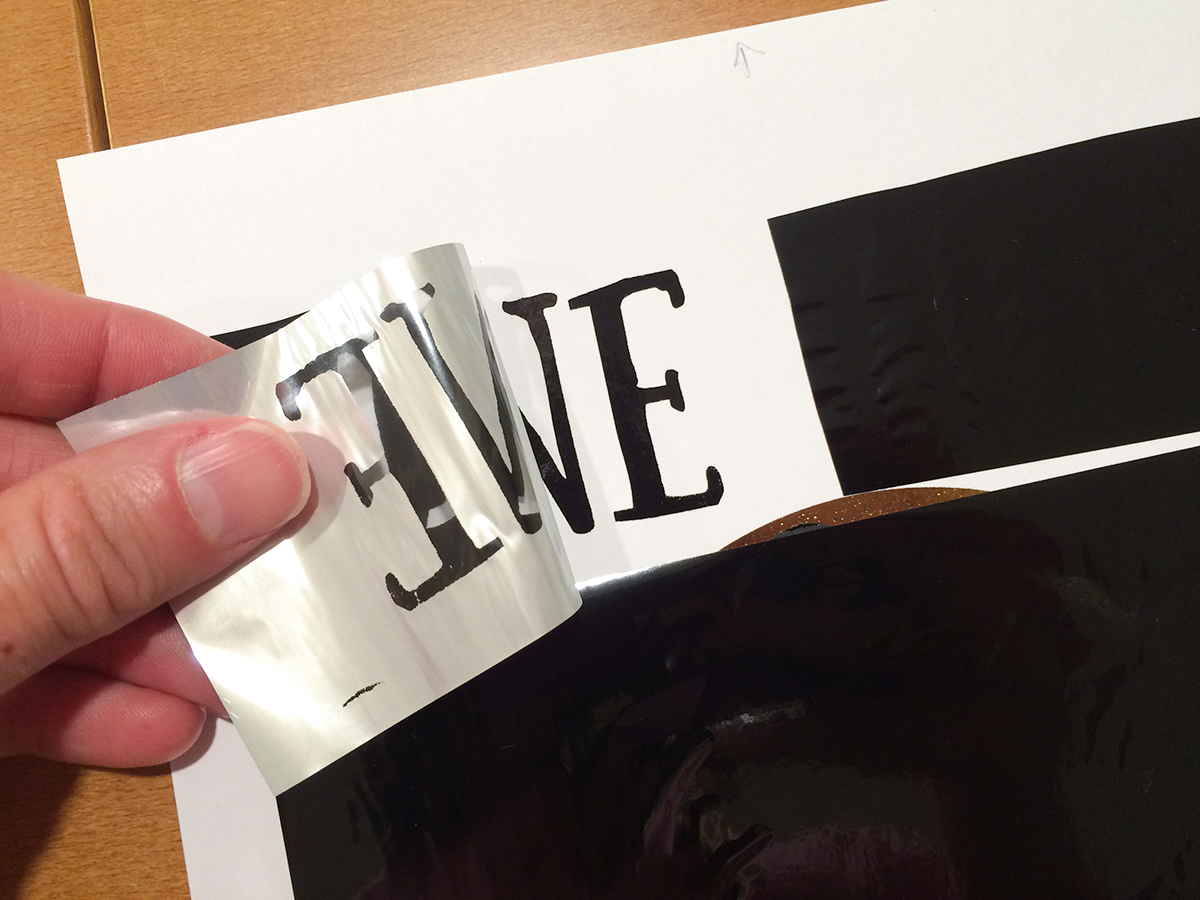
 Peel off the transfer sheet to reveal your black foiled witch and phrase.
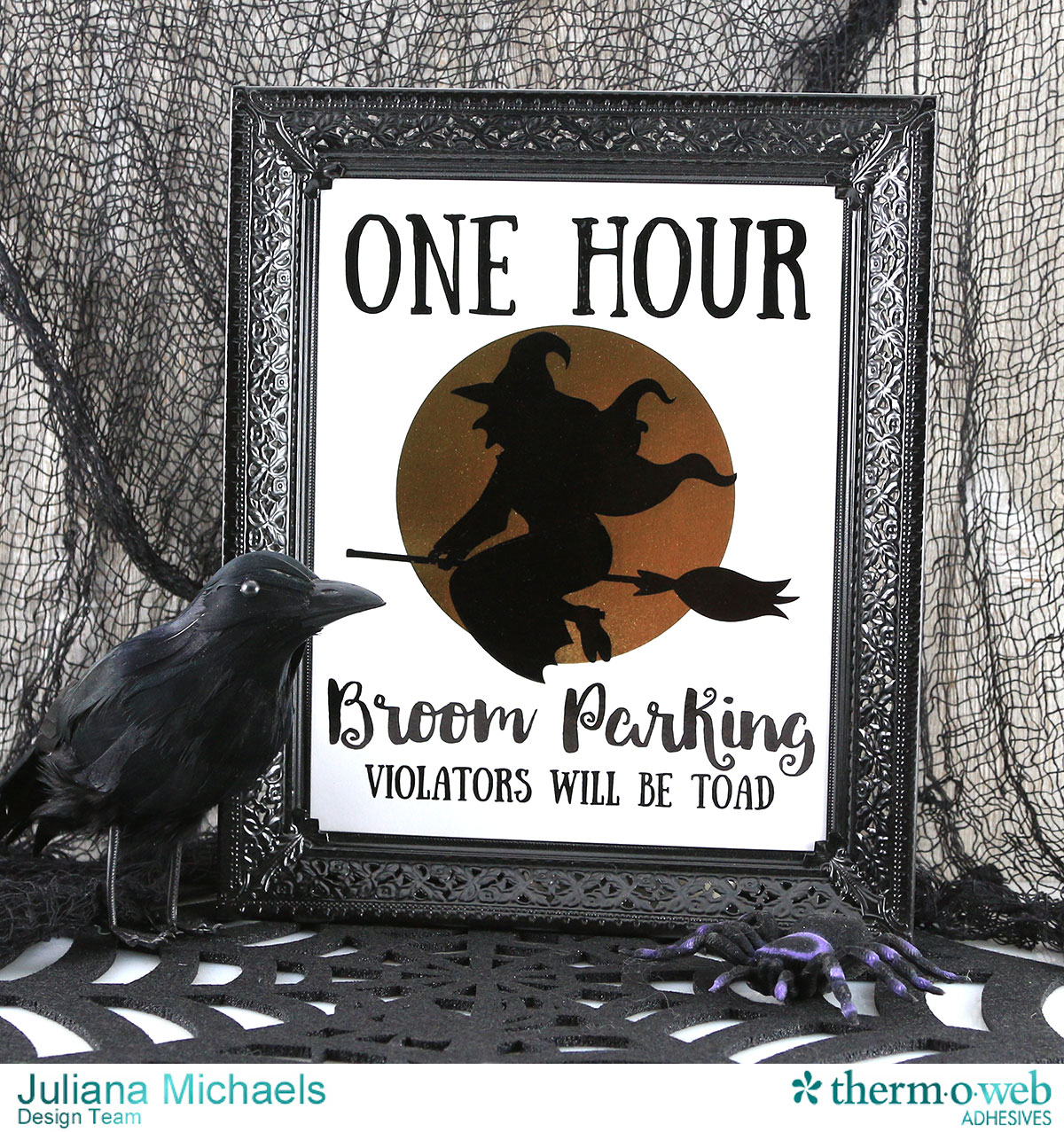
 Now you're ready to frame and display your Deco Foiled Halloween Printable.
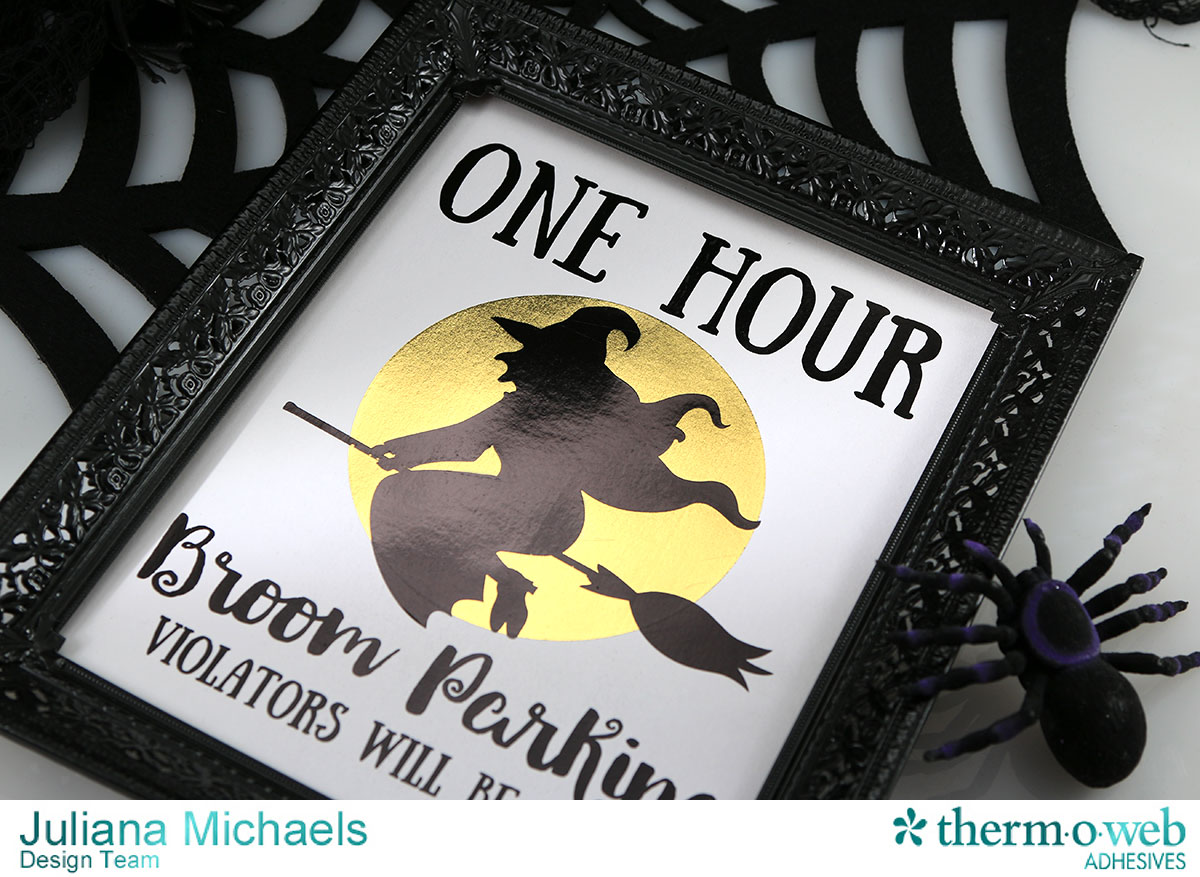 Thanks so much for stopping by today and I hope you enjoy creating your own framed Halloween decoration using Deco Foil!
HUGS!
Juliana
Thanks so much for stopping by today and I hope you enjoy creating your own framed Halloween decoration using Deco Foil!
HUGS!
Juliana
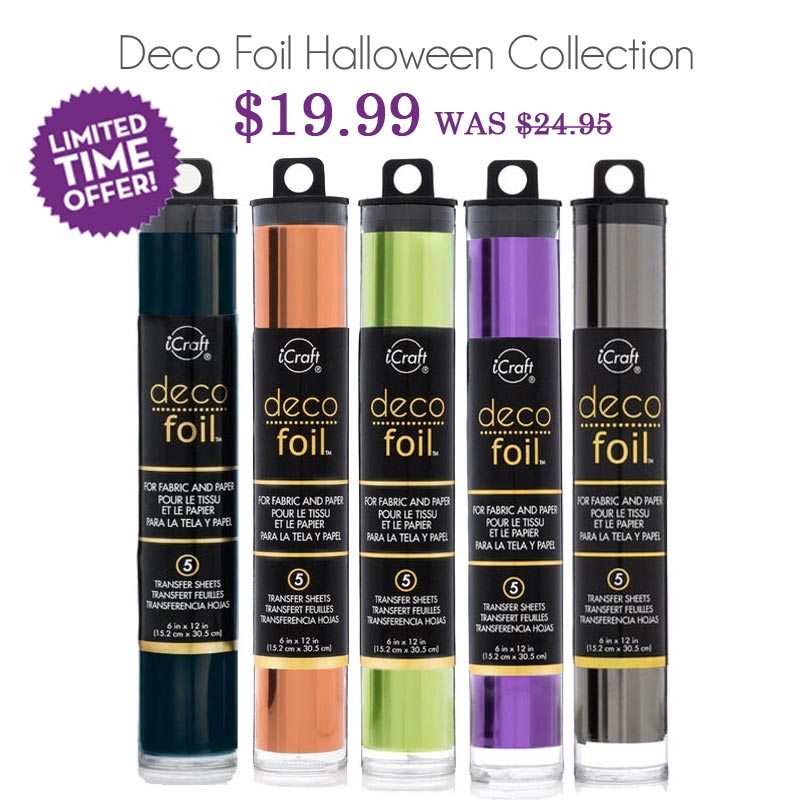 Don't miss this chance to pick up our Halloween collection of Deco Foils at a great price! The collection includes: Black, Pumpkin, Lime, Purple and Pewter...perfect for your Halloween decorating and much more! Click here to shop!
