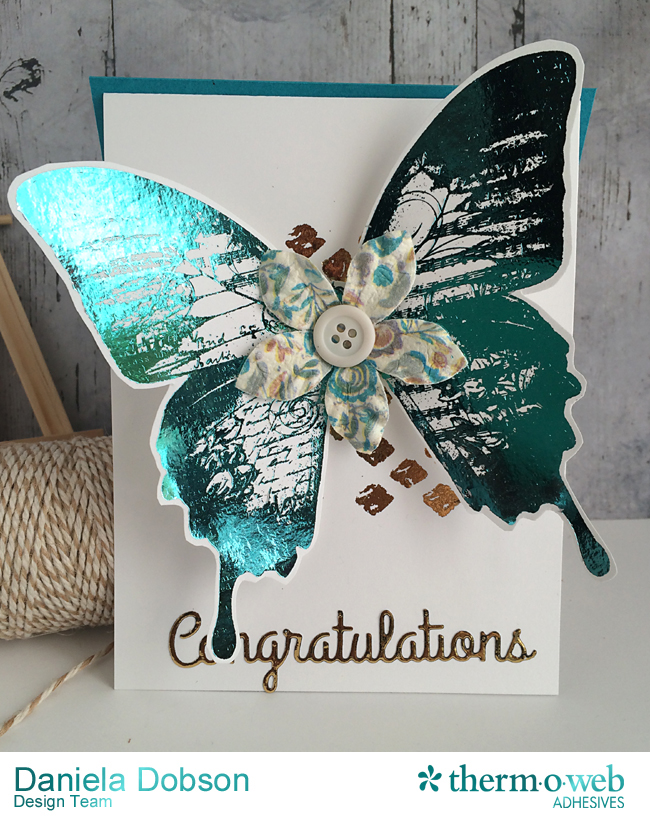
 Congratulations card
 by
Daniela Dobson
Therm O Web supplies:
Therm O Web 3D White Foam Squares Combo Pack
Therm O Web Sticky Tape Mini Runner™
Therm O Web Zots™ Medium Therm O Web Zots™ Medium
Therm O Web iCraft® DecoFoil™ PeelnStick Toner Sheets–NEW
Therm O Web iCraft® DecoFoil™ – Aqua - NEW Coming Soon!!
Therm O Web iCraft® DecoFoil™ – Champagne-NEW Coming Soon!!
Therm O Web iCraft® DecoFoil™ – Adhesive Pen-NEW Coming Soon!
12″ Foil Laminator
Other Supplies:
Impression Obsession image and die
HP Laserjet printer
Flower
Button
Stencil
Instructions:
Turn on laminator and let it warm up.
1. Print image using Laserjet printer.
2. Add Aqua DecoFoil™ to the image and run it through the laminator in a folded piece of printer paper. Cut butterfly out.
3. Maker card from white cardstock. Using a stencil and the Deco Foil Adhesive Pen "color" in the stencil. Add Champagne DecoFoil™ and run it through the laminator.
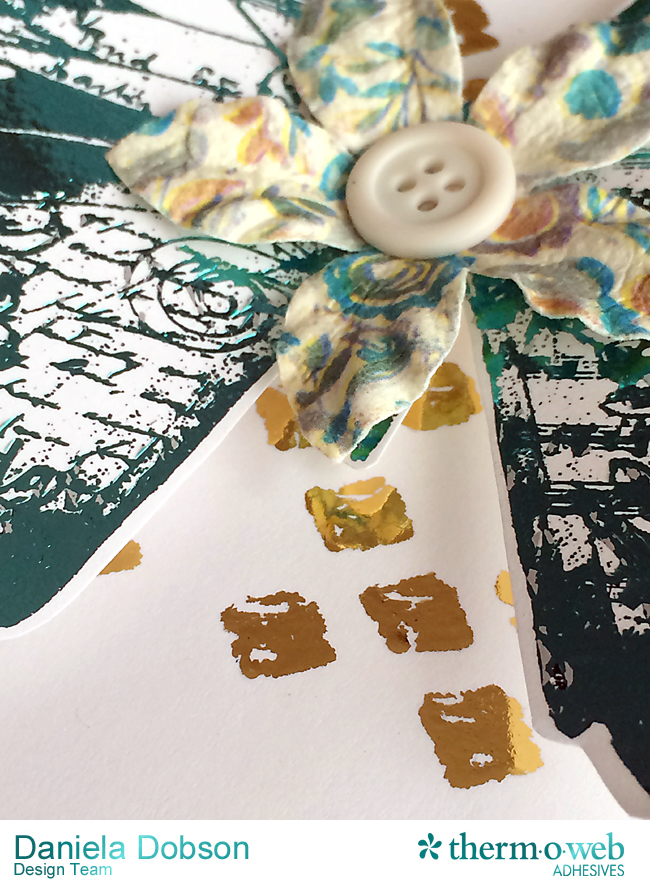
4. Add the butterfly to the card using 3D foam squares. Add flower and a button using Medium Zots™.
5. Die cut "congratulations" from
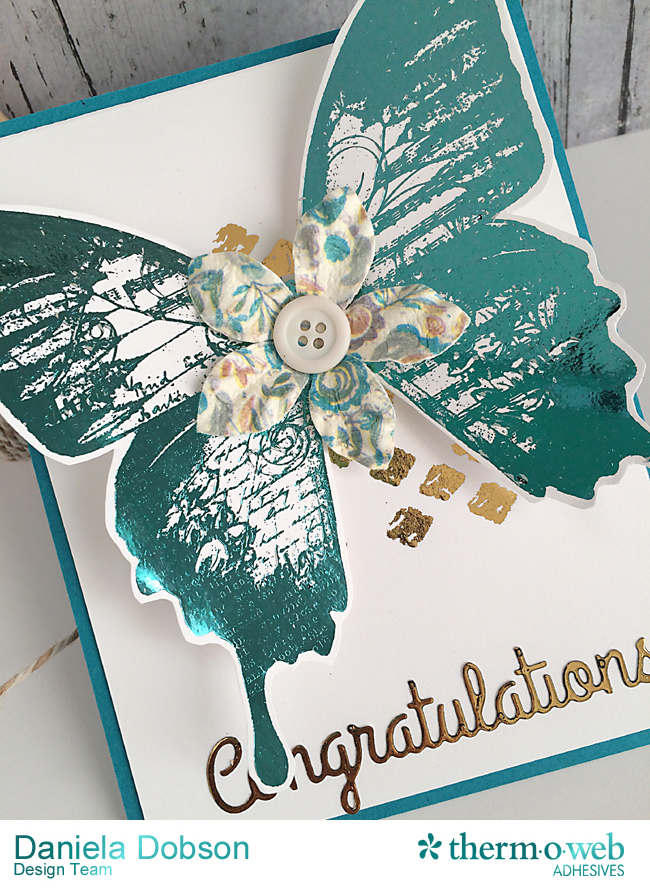
Deco Foil™ PeelnStick Toner Sheet, add Champagne DecoFoil and run it through the laminator. Remove backing and adhere it to the card. Adhere a piece of aqua cardstock to the back of the card as a base.
If you're attending the Winter CHA 2016 show be sure to visit our booth! We will be sharing our newest products from our very popular iCraft® Deco Foil™ line including our NEW Deco Foil Transfer Sheet colors,
Deco Foil™ PeelnStick Toner Sheets (Now Available!), Deco Foil™ Adhesive Pen and our
Deco Foil™ Toner Sheets (Now Available!). We look forward to seeing you there!